Is 64GB RAM Overkill for Gaming in 2026?
Choosing the right amount of RAM for gaming in 2026 can feel confusing. Many new PCs advertise 64GB RAM as if it is required for modern games. This makes gamers wonder if buying more memory will improve performance, prevent stuttering, or “future-proof” their system. The truth is more practical and less dramatic.
Based on modern gaming benchmarks and real-world PC usage, most games today do not come close to using 64GB of system memory. For most players, the real performance jump happens when moving from 16GB to 32GB. This guide explains what modern games actually use, when 64GB is helpful, and how to choose the right amount for your gaming setup.
How Much RAM Do Modern Games Actually Use in 2026?
Across recent AAA titles, Unreal Engine 5 games, and large open-world releases, system RAM usage usually falls into a predictable range.
Most esports and competitive games use 6GB to 12GB.
Most modern AAA games use 10GB to 18GB.
Heavier open-world and simulation titles can reach 14GB to 22GB.
Even demanding new games rarely cross the 24GB mark during gameplay. This means 16GB can still run games, but with little safety margin. 32GB gives modern systems comfortable breathing room. In most gaming situations, 64GB remains unused.
What Happens If You Only Have 16GB RAM?
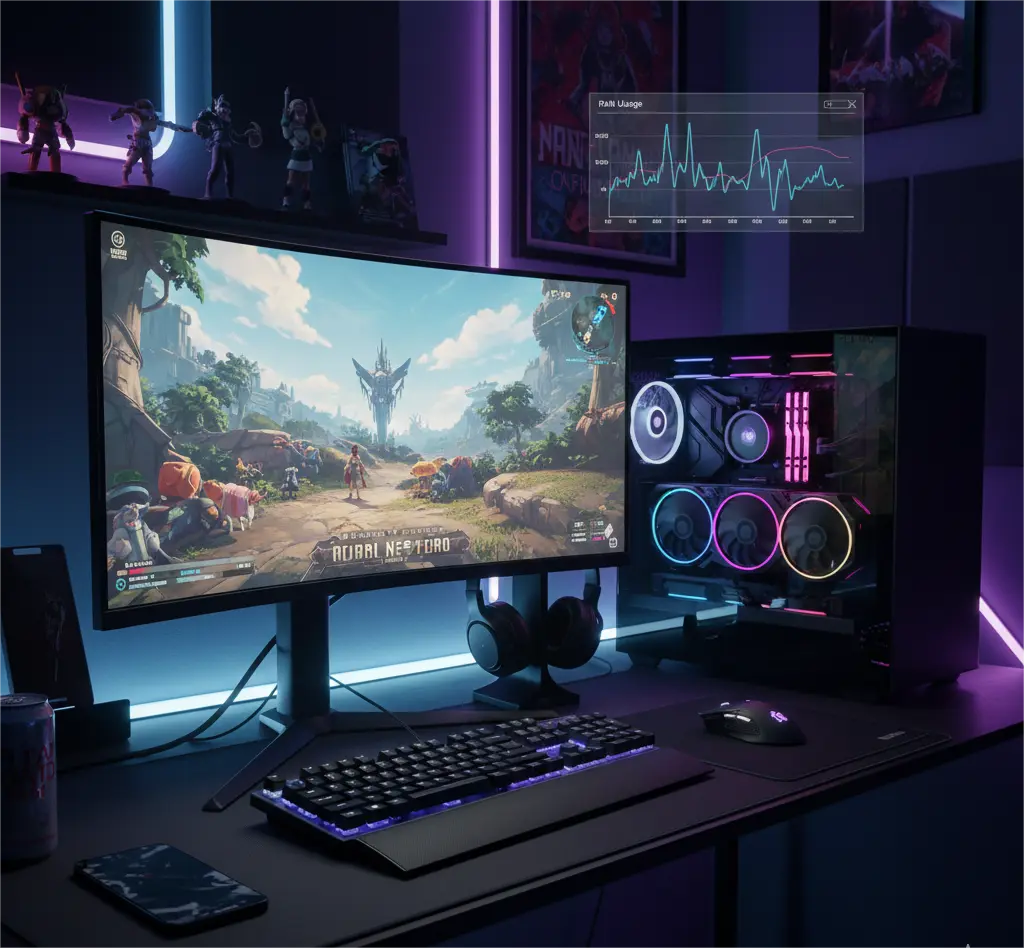
A PC with 16GB RAM can still play most games in 2026. But once a game, Windows, and background apps fill that memory, the system starts using the SSD as emergency memory.
This often causes:
- Stutters during gameplay
- Longer loading screens
- Frame-time spikes
- Slow tab-switching
This is why many gamers notice smoother performance when upgrading from 16GB to 32GB. The system stops fighting for memory. The jump from 32GB to 64GB, however, rarely changes in-game behavior.
The Hidden Factor: GPU VRAM and System RAM
System RAM does not work alone. It supports your graphics card.
When a GPU has limited VRAM, textures and game assets overflow into system memory. This increases RAM usage and can worsen stutter and frame pacing.
That is why:
- PCs with 8GB VRAM GPUs benefit more from 32GB RAM.
- PCs with 12GB–16GB VRAM GPUs rely less on system RAM.
More VRAM reduces pressure on system memory. More system RAM cannot compensate for weak GPU memory, but it can prevent extra slowdowns.
Real-World Gaming Scenarios in 2026
Pure gaming rarely pushes beyond 32GB. Real-world PC use is different.
Here is what actually changes RAM demand:
- Gaming + Discord + browser tabs
- Gaming + OBS streaming or recording
- Gaming + heavy texture mods
- Gaming + video or photo editing in the background
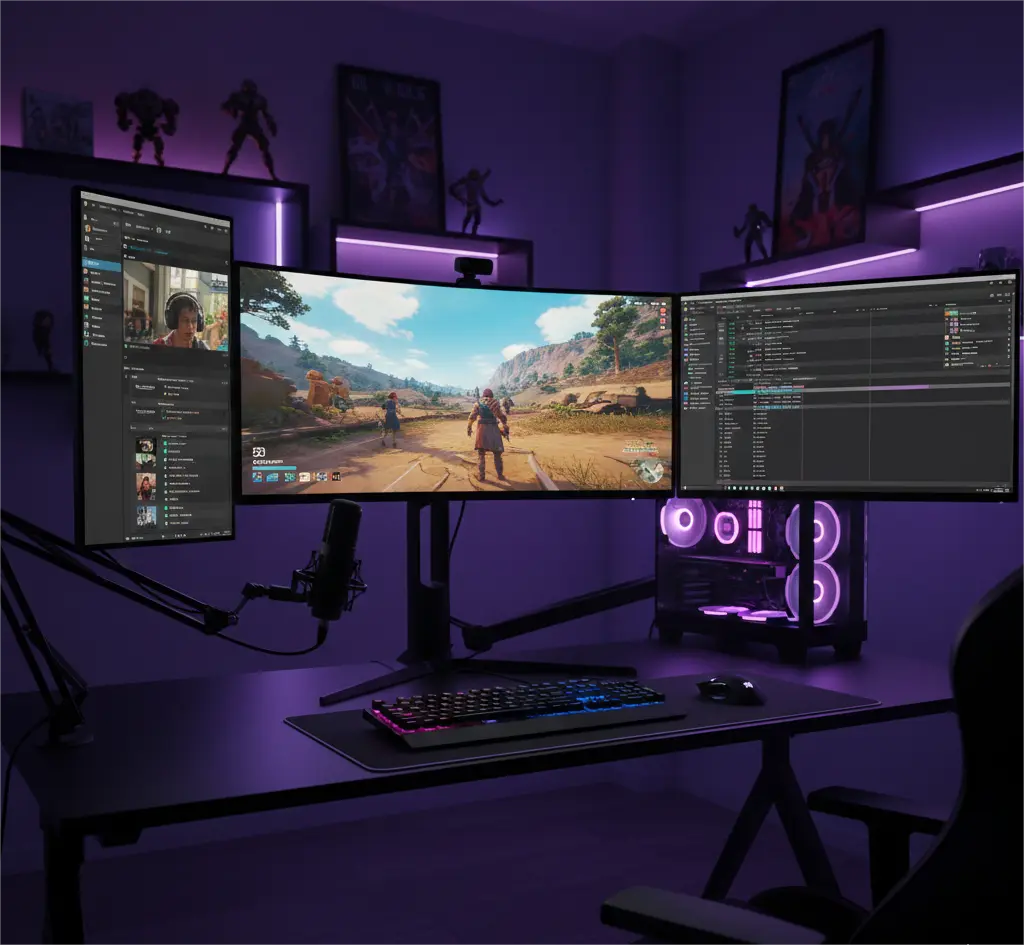
In these situations, memory fills quickly. The system must hold the game, background apps, cache files, and recording buffers at the same time. This is where higher RAM capacity becomes useful.
16GB vs 32GB vs 64GB RAM for Gaming in 2026
| RAM Size | What it’s good for | Limitations |
|---|---|---|
| 16GB | Budget gaming, esports, light AAA use | Can stutter, little multitasking headroom |
| 32GB | Modern AAA gaming, background apps, future safety | No real gaming limits |
| 64GB | Streaming, heavy mods, creation work, multitasking | No FPS gain for gaming alone |
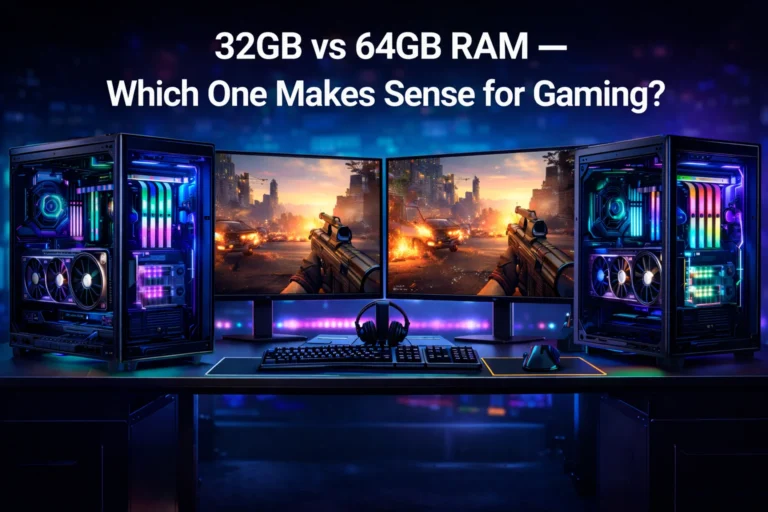
For most gamers, 32GB is the real sweet spot. It handles modern games smoothly and supports everyday multitasking without waste.
Is 64GB RAM Overkill for Pure Gaming?
For pure gaming, yes.
If your PC is mainly used for playing games, voice chat, and light browsing, 64GB RAM will not increase frame rates, improve graphics, or shorten load times. Once a system has enough memory, performance depends on the CPU, GPU, and storage speed.
In most gaming-only PCs, 64GB sits idle.
When 64GB RAM Actually Makes Sense
64GB RAM becomes practical when gaming is only one part of the workload.
You should consider 64GB in 2026 if you regularly:
- Stream and record gameplay
- Run OBS with many sources
- Use large mod lists and texture packs
- Keep many browser tabs open while gaming
- Edit videos or photos
- Use Unreal Engine or Blender
- Run virtual machines
- Play large simulation games while multitasking
In these cases, extra RAM prevents slowdowns and keeps systems responsive.
DDR5 Reality: Capacity vs Speed
Most gaming PCs now use DDR5 memory.
With DDR5, higher capacity kits can sometimes run at lower stable speeds and place more load on the CPU’s memory controller. For gaming, once you have enough RAM, speed and stability matter more than extreme capacity.
That is why most gaming systems perform best with:
- 2×16GB (32GB)
- 2×32GB (64GB if truly needed)
Two sticks are easier to stabilize and often faster than four.
Where Your Money Brings More Gaming Performance
If your goal is better gaming performance, extra budget is often better spent on:
- A stronger GPU
- A faster CPU
- A high-quality SSD
- Improved cooling
These upgrades directly affect frame rates, loading times, and stability. Increasing RAM beyond what games use usually does not.
Conclusion
For most gamers in 2026, 64GB RAM is overkill. Modern games simply do not use that much system memory. The real improvement happens when moving from 16GB to 32GB. That upgrade alone removes most stutter, improves system responsiveness, and prepares PCs for modern titles.
32GB stands as the practical gaming standard. It balances performance, multitasking, and future readiness without wasting budget. It supports today’s AAA games and everyday background apps with ease.
64GB becomes the right choice only when gaming is combined with streaming, heavy modding, or professional workloads. In those situations, RAM is no longer just for games. It becomes a stability tool.
Choose RAM based on how you actually use your PC. Not on numbers that only look impressive.
Frequently Asked Questions
Does 64GB RAM increase FPS?
No. Once a system has enough RAM, FPS depends on the CPU and GPU, not on adding more memory.
Is 32GB enough for gaming in 2026?
Yes. For almost all modern games, 32GB is more than enough and very future-safe.
When does gaming use more than 32GB RAM?
Mostly when combined with streaming, heavy mods, large simulation games, or professional software.
Is 2×32GB better than 4×16GB?
Usually yes. Two sticks are easier to stabilize and often perform better on DDR5 systems.
Do low-VRAM GPUs need more system RAM?
They rely on system RAM more, which makes 32GB important. But this still rarely makes 64GB necessary for gaming alone.
One Comment
Comments are closed.