Can a Motherboard Bottleneck Your CPU or GPU?
Many PC users think only the CPU or GPU can limit gaming performance. But after upgrading parts, some still see low FPS, stuttering, or unstable clocks. This leads to an important question: can a motherboard bottleneck your CPU or GPU?
In real PC builds, the motherboard usually does not directly “slow down” components. However, it controls power delivery, PCIe lanes, memory behavior, and BIOS limits. If these are weak or poorly designed, even high-end hardware cannot perform at its best. Understanding this saves money, avoids wrong upgrades, and helps fix the real cause.
Quick Answer: Can a Motherboard Bottleneck Your CPU or GPU?
Yes, a motherboard can bottleneck your CPU or GPU, but only in specific situations.
It usually happens when the motherboard limits:
- Power delivery
- Thermal stability
- PCIe bandwidth
- Memory performance
- BIOS or firmware features
In most modern builds, the motherboard is not the main bottleneck. But on weak, outdated, or poorly cooled boards, it can silently reduce real-world performance.
Can the Motherboard Bottleneck the CPU?
Yes. A motherboard can bottleneck a CPU when it cannot supply clean and stable power.
This is mostly caused by:
- Weak VRMs
- Poor VRM cooling
- Strict BIOS power limits
- Cheap boards paired with high-end CPUs
When this happens, the CPU cannot hold boost clocks. It downclocks to protect itself.
Common signs
- CPU clocks drop during gaming or stress tests
- Performance is good at first, then slowly falls
- FPS dips in CPU-heavy games
- No thermal throttling, yet clocks still drop
How to prevent it
- Choose a board designed for your CPU tier
- Use motherboards with strong VRMs and heatsinks
- Update BIOS
- Monitor CPU package power and clocks
- Ensure airflow over the motherboard
Can the Motherboard Bottleneck the GPU?
Yes, but this is less common.
A motherboard can bottleneck a GPU when:
- The PCIe slot runs at reduced speed
- Lanes are shared with other devices
- BIOS settings limit the link
- The board uses restricted slot wiring
Most GPUs run well even on PCIe 3.0. However, extreme cases can reduce performance.
Common signs
- GPU never reaches high usage
- PCIe link shows x8 instead of x16
- FPS lower than expected in many games
How to prevent it
- Always use the top PCIe x16 slot
- Check PCIe generation in BIOS
- Update chipset drivers
- Avoid boards with poor lane layouts
- Verify link speed using GPU-Z
Can the Motherboard Bottleneck RAM?
Yes. RAM behavior depends heavily on the motherboard.
The motherboard controls:
- Memory channels
- Maximum stable speed
- Signal quality
- XMP or EXPO support
Weak boards often struggle with high-speed RAM.
Common signs
- RAM stuck at base speed
- Crashes when enabling XMP
- Low 1% lows
- Random stutters
How to prevent it
- Use dual-channel memory
- Enable XMP or EXPO
- Update BIOS
- Follow the board’s memory QVL
- Avoid mixing RAM kits
The Cost of a Motherboard Bottleneck
A motherboard bottleneck rarely looks dramatic.
Instead, it causes:
- Lower boost clocks
- Inconsistent FPS
- Poor frame-time stability
- Reduced upgrade options
- Shorter platform lifespan
Over time, this wastes performance and money.
Why Motherboards Usually Do Not Cause Bottlenecks
Most modern motherboards do not limit performance.
If:
- VRMs are strong
- Cooling is good
- BIOS is stable
- PCIe slots are correct
Then the motherboard mainly acts as a platform.
In most builds, the true bottleneck is still the CPU, GPU, RAM, cooling, or software.
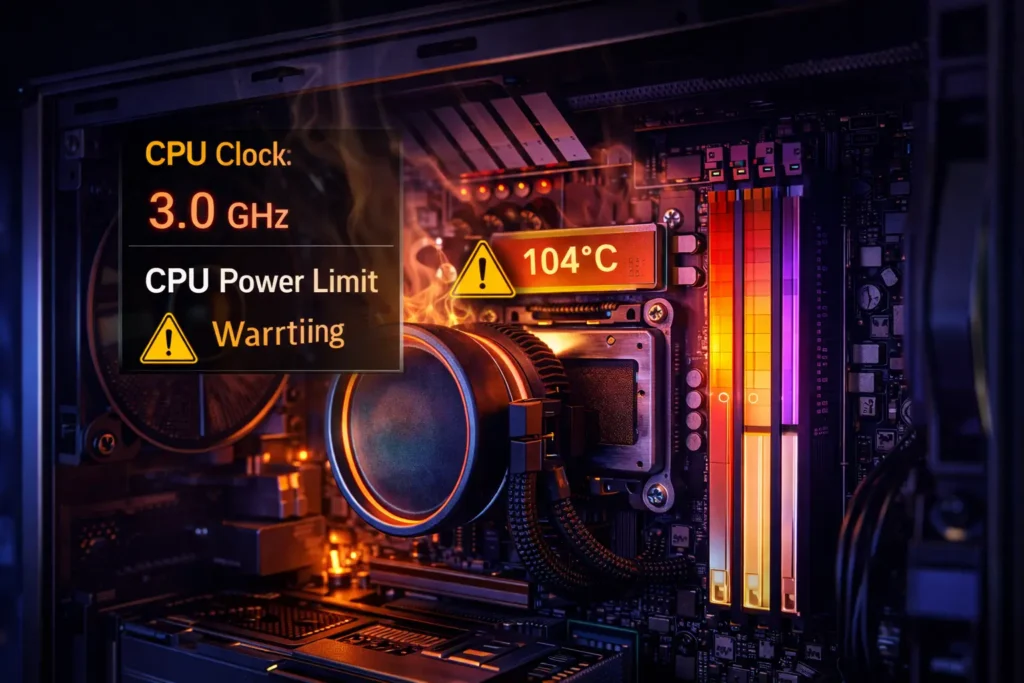
VRM Quality and Thermal Throttling (Real Impact)
VRMs control the power going into the CPU.
When VRMs overheat:
- Voltage becomes unstable
- CPU boost is reduced
- Performance drops over time
This is one of the most common ways motherboards bottleneck CPUs.
Signs of VRM throttling
- FPS drops after 10–15 minutes
- CPU clocks fall while temperatures look fine
- VRM sensors exceed safe limits
- Throttling flags appear in monitoring tools
How to fix it
- Improve airflow
- Use boards with VRM heatsinks
- Add top-down cooling
- Avoid pairing high-core CPUs with weak boards
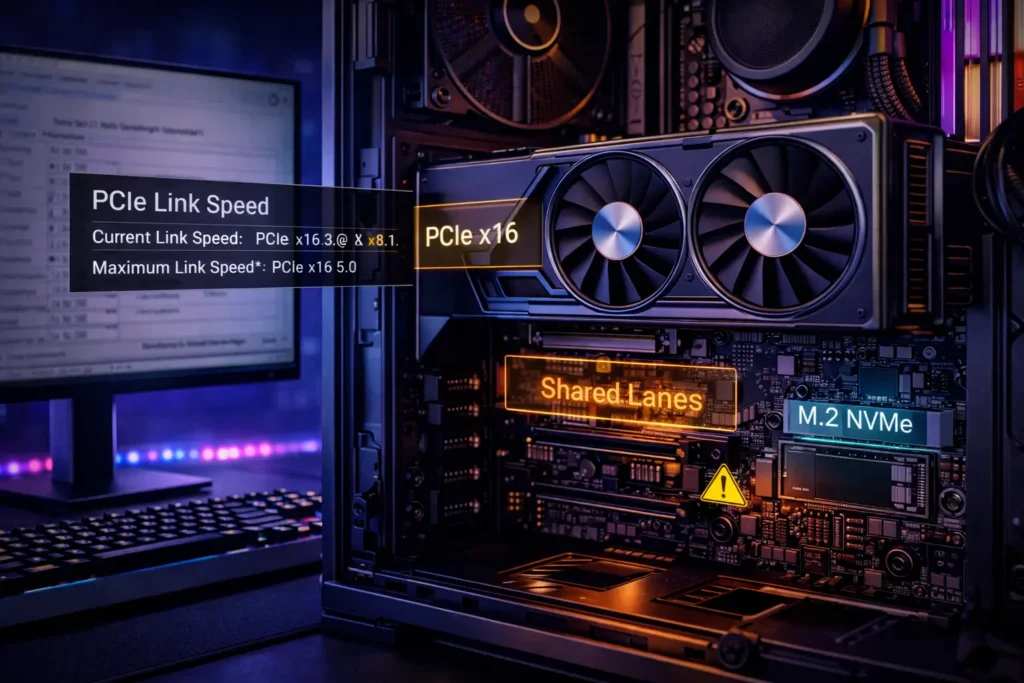
PCIe Bandwidth and Lane Sharing Explained
Not all PCIe slots are wired the same.
Some boards:
- Reduce GPU lanes when M.2 drives are used
- Share chipset bandwidth
- Wire secondary slots at x4 speeds
This can affect GPUs, capture cards, and fast storage.
Always review the motherboard’s lane diagram before building.
BIOS, Firmware, and Feature Traps
BIOS settings can silently limit performance.
Common issues:
- Disabled Resizable BAR
- Wrong PCIe mode
- Old microcode
- Aggressive power limits
Sometimes updates even change PCIe behavior.
What to check
- BIOS version
- CPU power limits
- Re-BAR support
- PCIe generation
- Memory profile status
How to Diagnose a Motherboard-Related Bottleneck
Use this practical process:
- Stress the CPU for 10 minutes
- Monitor clocks, power, and VRM temperatures
- Stress the GPU and check PCIe link speed
- Watch for clock drops or power collapse
- Test RAM speed and stability
If clocks fall while temperatures are normal, the motherboard is often the cause.
Motherboard Bottleneck Diagnostic Table
| Symptom | Likely motherboard issue | What to check |
|---|---|---|
| CPU clocks drop under load | Weak or overheating VRMs | VRM temps, board model |
| GPU stuck at x8 | Lane sharing or slot wiring | GPU-Z PCIe link |
| RAM unstable at rated speed | Memory trace limits | QVL, BIOS update |
| FPS drops over time | VRM or chipset heat | Board airflow |
| Random instability | BIOS or power delivery | BIOS settings, PSU quality |
How to Choose a Motherboard That Won’t Bottleneck Your Build
- Match VRM quality to CPU tier
- Check PCIe lane diagrams
- Confirm RAM support
- Look for good VRM cooling
- Choose boards with long BIOS support
- Avoid extreme budget boards for high-end CPUs
This prevents most motherboard bottlenecks before they happen.
Conclusion
A motherboard rarely becomes the main bottleneck, but when it does, it quietly limits your system. Weak power delivery, overheating VRMs, restricted PCIe lanes, and poor BIOS support can all prevent your CPU or GPU from reaching full performance.
Understanding this changes how you upgrade. Instead of guessing, you test, measure, and confirm the real cause. With a strong motherboard and correct configuration, your hardware is free to perform as it was designed.
Frequently Asked Questions
Can a cheap motherboard slow down a powerful CPU?
Yes. Weak VRMs and poor cooling can force lower clock speeds.
Can a motherboard bottleneck a GPU?
Yes, if PCIe lanes or BIOS settings limit bandwidth.
Does PCIe generation matter for gaming?
Mostly no. It matters more in edge cases and special workloads.
How do I know if my motherboard is the problem?
If clocks drop while temperatures are normal, the board may be limiting performance.